
App Overview
The desktop shell is built around the real operator workflow rather than around repo internals.
Start Here
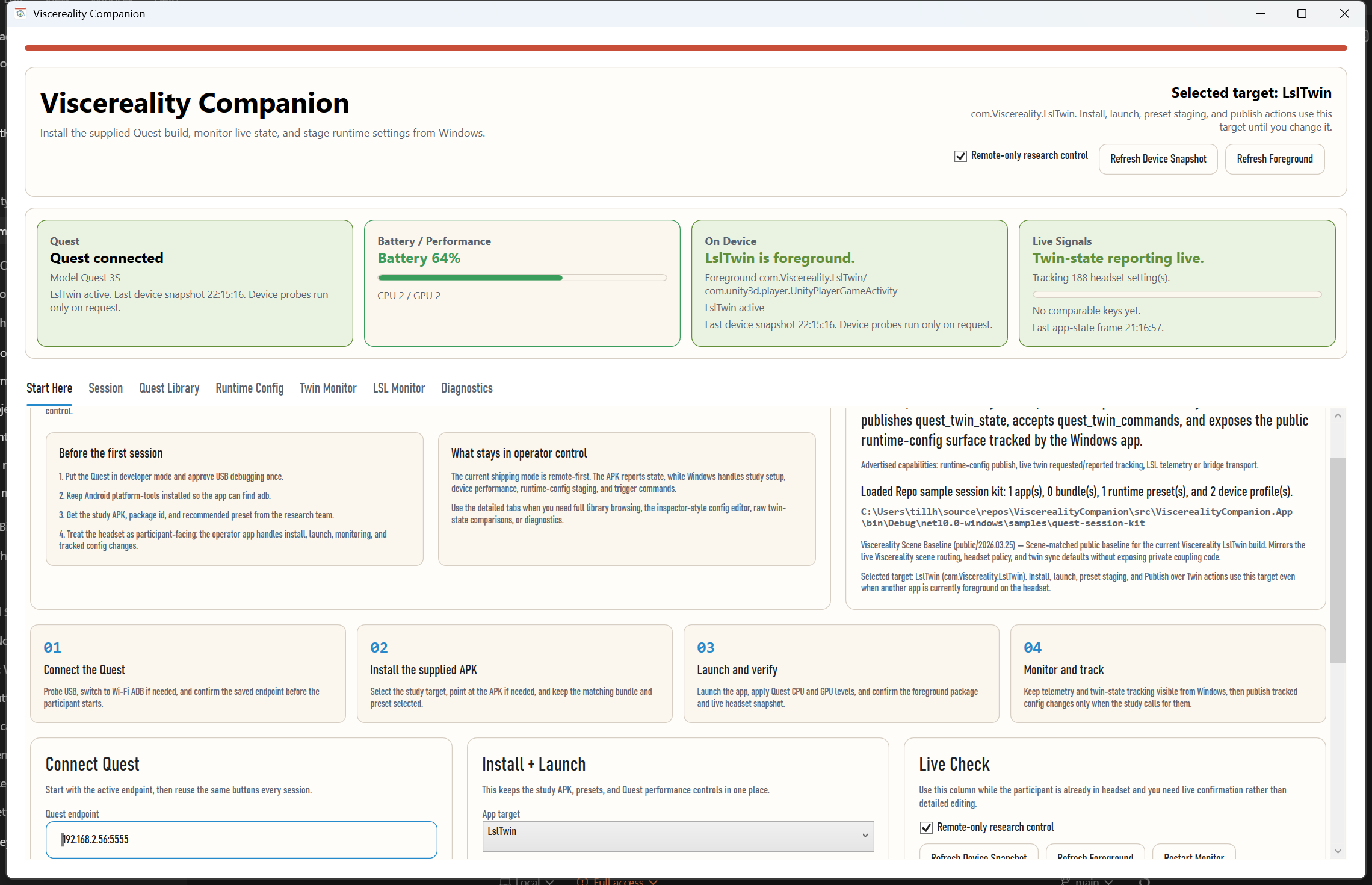
The app opens with a first-session tab that keeps the common operator path in one place:
- connect Quest
- select the supplied target
- install and launch the APK
- apply CPU and GPU levels
- confirm live monitor and twin-state status
- export a manifest at the end of the run
The same tab also exposes discovered study shells, so operators can switch from the full app into a narrower study-specific mode without installing a second desktop application.
Study Shells
Study shells are embedded operator modes for specific protocols. They reuse the same ADB and twin-monitor services, but they pin one APK, one device profile, and a small set of live metrics instead of exposing the whole runtime-config and library surface.
The first committed example is the Sussex University shell for the controller-breathing study.
Session
The Session tab keeps the full connection and device snapshot view once you
move beyond the first-session flow.
Quest Library
This is the detailed study-build workspace:
- app targets
- bundles
- runtime presets
- device profiles
- APK overrides
- install, launch, and Quest performance controls
Runtime Config
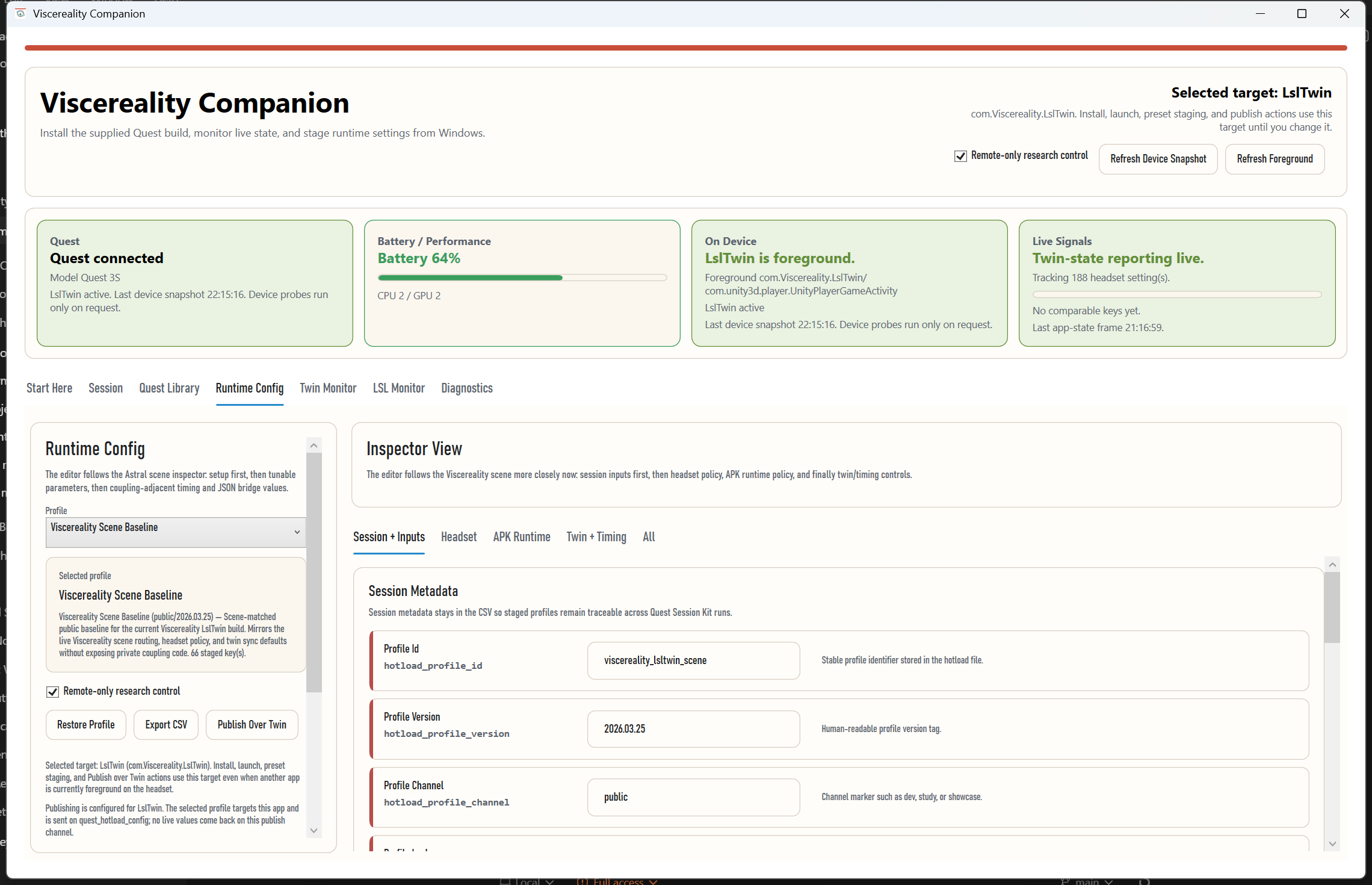
The runtime-config editor keeps the live study configuration grouped in a desktop-friendly way:
Session + InputsHeadsetAPK RuntimeTwin + TimingAll
That makes it usable both as a tracking surface and as the place where desktop operators stage or publish requested settings.
Twin Mode
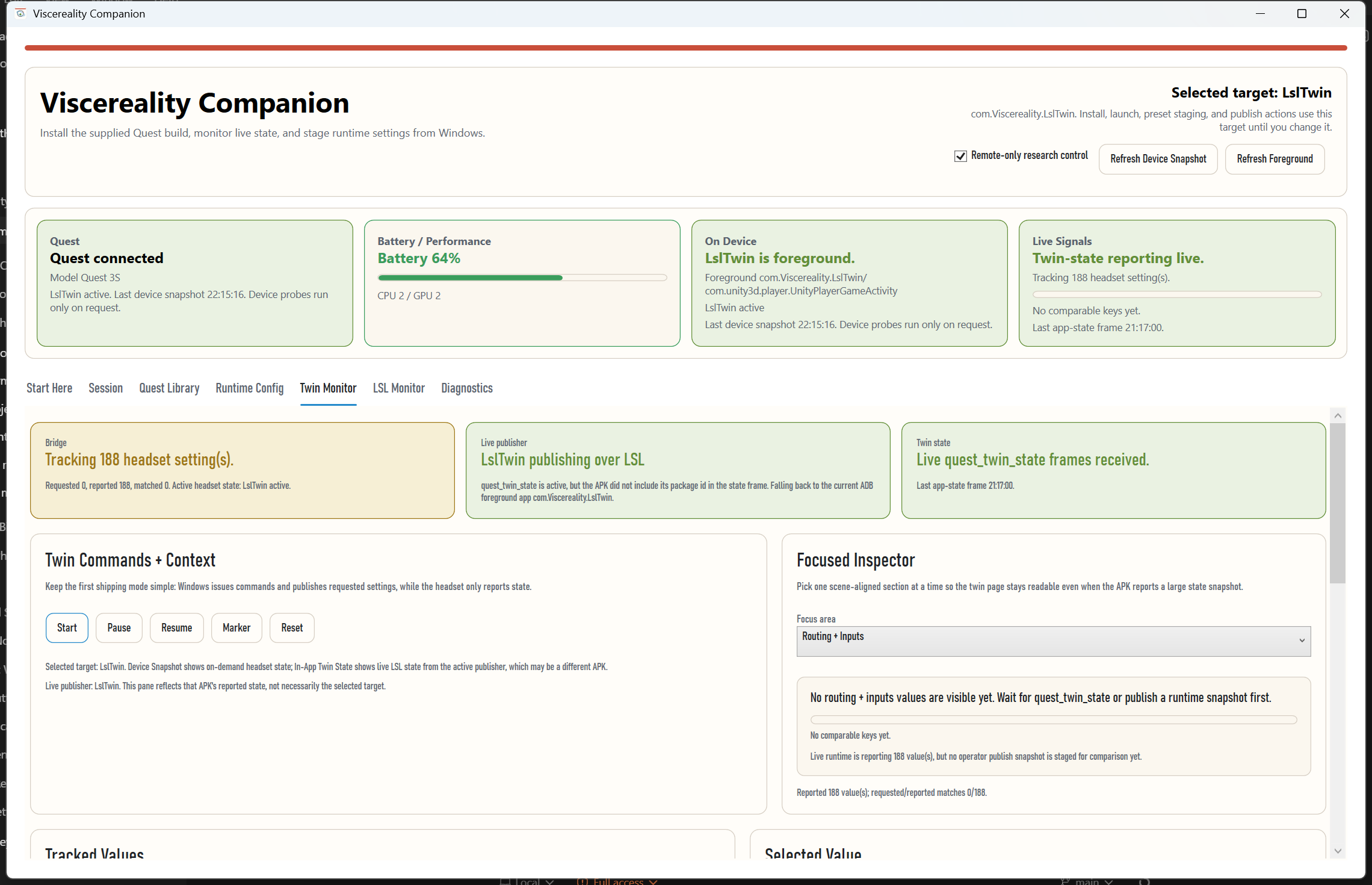
The first shipping mode is deliberately simpler than the full bidirectional contract:
- remote-only research control stays enabled by default
- the desktop app owns trigger commands and tracked settings
- the APK reports state
Twin Monitoruses a focused inspector so large live state snapshots stay readable instead of becoming one giant raw grid
LSL Monitor
LSL Monitor is the quick transport check:
- stream name and type
- channel selection
- live sample value
- sample-rate and reconnect state
Diagnostics
Diagnostics keeps the utility actions and the operator log without crowding
the main flow.
How This Fits Into Viscereality
- the participant-facing Quest runtime supplies the study build and the scene-side twin and LSL contracts
- Viscereality Companion packages install, launch, monitoring, study-shell, and operator workflow on Windows
- outward-facing project context lives on viscereality.org and the Mesmer Prism companion page